How to Embed a Football Lineup on Your Website or Blog

If you run a football blog, a fan site, or a forum thread about the next big match, you have probably shared lineups as screenshots. The problem with screenshots: they are static, they blur on mobile, and the moment a lineup changes you have to edit the image and re-upload it. There is a better way. QuickLineup lets you embed a live, interactive lineup on any website with one copy-paste snippet, completely free.
Why embed instead of posting an image?
The embedded lineup is rendered live, so it stays crisp on every screen size with no pixelated jersey numbers, and visitors see the real widget with your team colors, player names and numbers exactly as you built them. A predicted XI sitting inside a match preview is a lot more engaging than a paragraph of names.
It also follows the reader's language. The widget interface is available in 19 languages, so a Spanish blog gets a Spanish widget.
Step 1: build your lineup
Go to the QuickLineup homepage and build your lineup: pick a real team with its up-to-date squad, or create one from scratch with your own player names and kit colors. Choose your formation, arrange the players, and adjust everything the way you want it.
Step 2: share the lineup
When your lineup is ready, use the share button. QuickLineup saves your lineup and gives it a permanent share page with its own link. This link is the source of your embed, anyone who opens it sees exactly the lineup you built.
Step 3: copy the embed code
On the share page, click "Embed on your site". A code box appears with a ready-to-copy snippet that looks like this:
<iframe
  src="https://quicklineup.com/embed/YOUR-LINEUP-ID"
  width="800"
  height="600"
  style="border:none;overflow:hidden;width:100%;height:auto;aspect-ratio:1/1;max-height:600px;"
  title="My Lineup - QuickLineup">
</iframe>
<p style="font-size:13px;margin-top:6px;">Made with the <a href="https://quicklineup.com/arsenal-lineup-builder">Arsenal lineup builder</a> on QuickLineup</p>
Click the copy button and the code is on your clipboard. That is all the "coding" you will ever need.
The snippet has two parts. The <iframe> is the lineup widget itself, responsive out of the box: width:100% fills your article column, aspect-ratio keeps the proportions on mobile, and max-height stops it at 600 pixels on desktop. Below it is a small credit line linking back to the builder your lineup was made with. This is the attribution that keeps QuickLineup free to use, so please paste both parts and leave the credit in place. It is one short line of 13px text; style it to match your site if you like.
Step 4: paste it into your site
Where you paste the code depends on your platform:
- WordPress: add a Custom HTML block in the editor and paste the whole snippet inside it.
- Blogger: switch the post editor to HTML view and paste the code where you want the lineup to appear.
- Forums: most forum software with HTML support (or an iframe BBCode) accepts the snippet directly. If your forum strips the
<p>tag, add the credit as a normal line of text under the lineup. - Any other site: paste the snippet anywhere HTML is allowed: static sites, news CMS platforms, documentation pages.
See it live
This is what an embedded lineup looks like. It is a real, working embed placed in this article with the exact snippet from step 3:
Made with the France lineup builder on QuickLineup
Tip: match your site's language
Add a locale parameter to the embed URL to control the widget language, for example ?locale=es for Spanish or ?locale=de for German:
https://quicklineup.com/embed/YOUR-LINEUP-ID?locale=es
Ideas for using embedded lineups
- Match previews: embed your predicted starting XI next to your analysis.
- Post-match reviews: show the lineup that actually played and discuss what worked.
- Fantasy and fan debates: let readers see your dream team and reply with theirs.
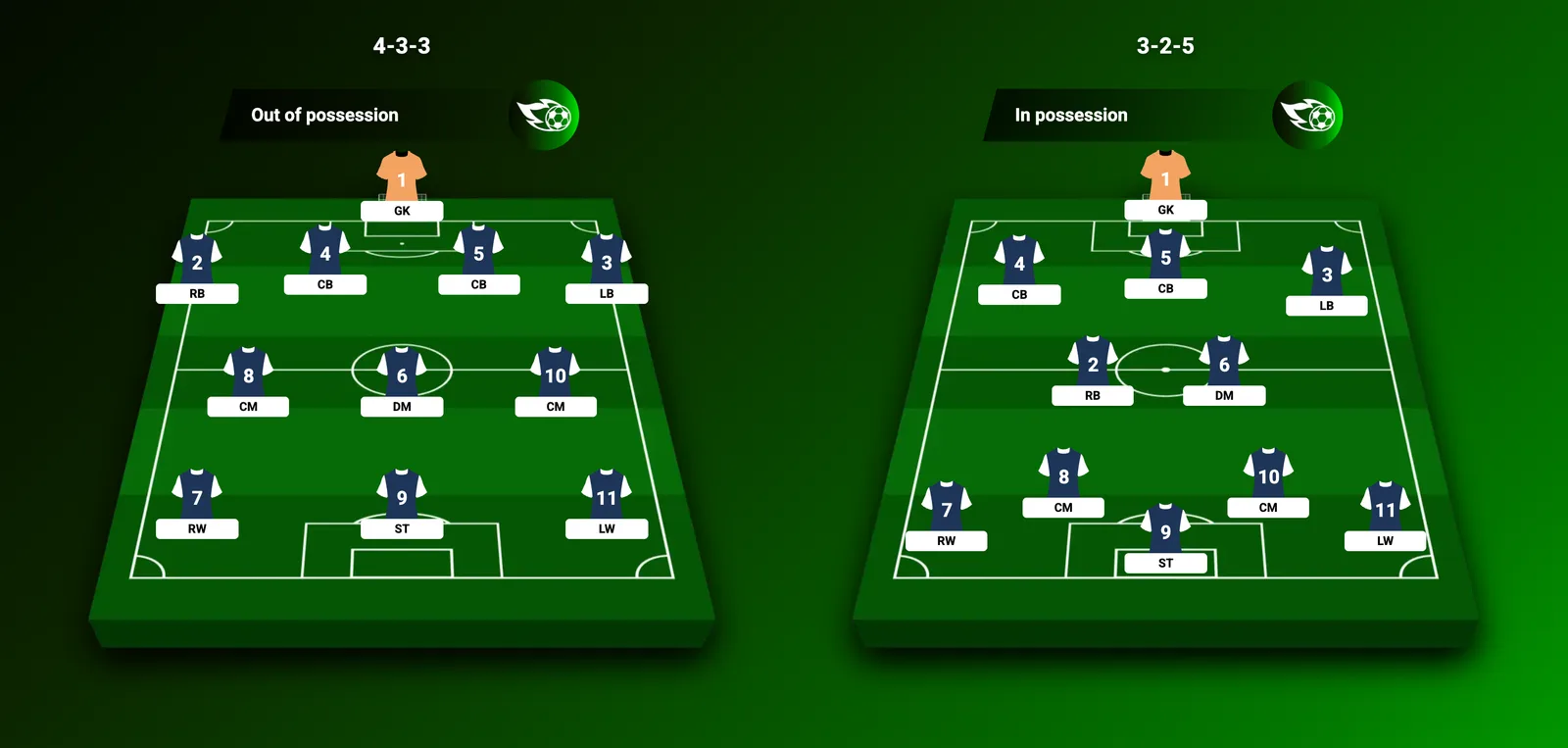
- Tactics articles: illustrate a formation guide with a live example instead of a static diagram.
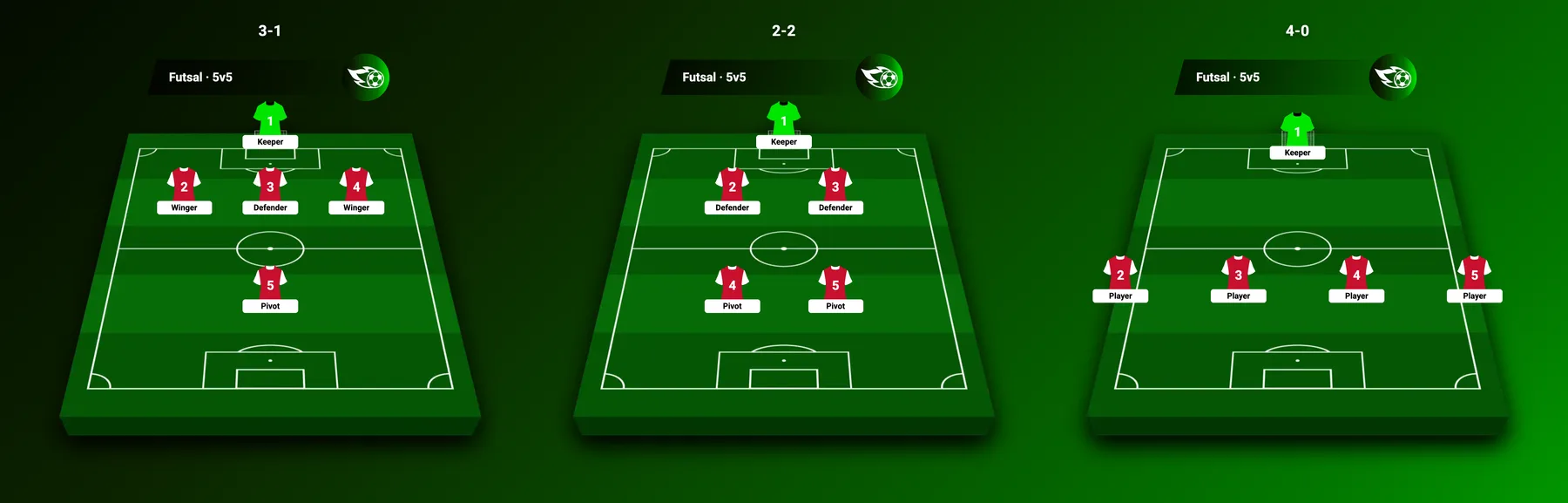
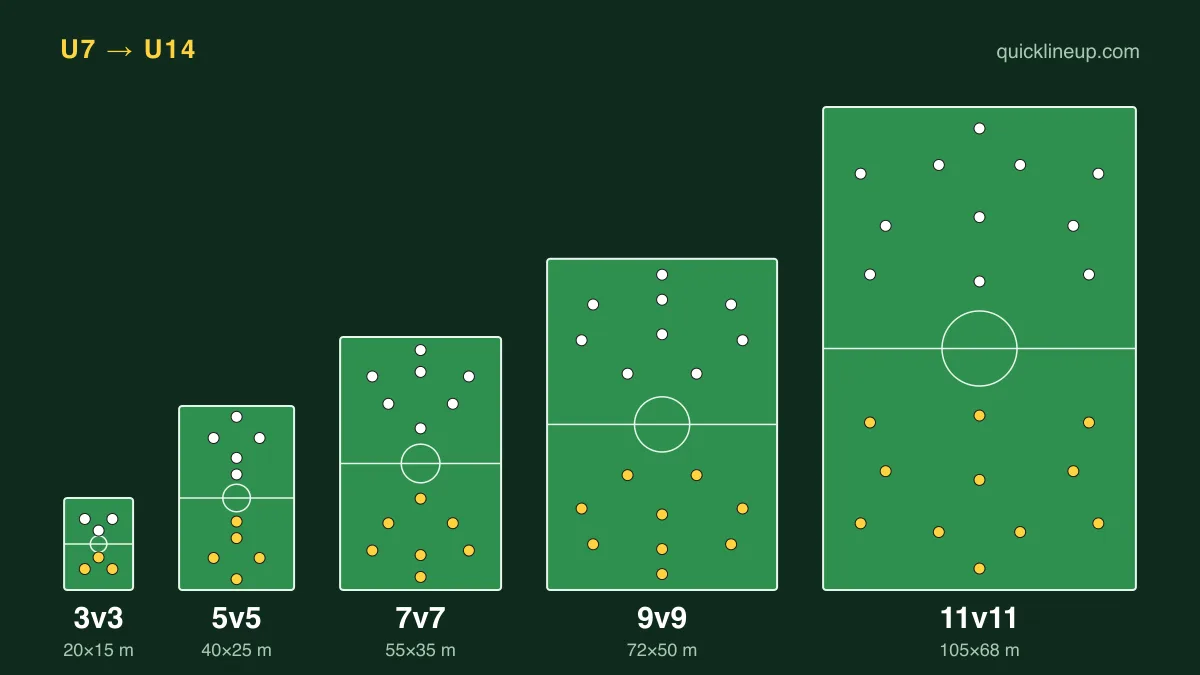
- Small-sided leagues: publish your 5-a-side or 7-a-side team sheet on the league forum.
Frequently asked questions
Is embedding free? Yes. Building, sharing and embedding lineups is completely free.
Do visitors need an account? No. Anyone can view the embedded lineup without signing up.
Can I edit a lineup after embedding it? An embed shows the lineup as it was saved. If you want to change it, build and save a new version, then update the iframe ID.
Does it slow my site down? The widget loads inside its own iframe, isolated from your page, and is lightweight by design.
Do I have to keep the credit line? Yes, please leave it in. QuickLineup is free with no account and no paywall, and the credit link under the widget is the only thing we ask in return. You are welcome to restyle it to fit your design.
Why does the credit link point to a team page? The link goes to the builder that matches your lineup, so a Barcelona lineup credits the Barcelona builder and a custom team credits the homepage. That way your readers land on the page most useful to them.
Ready to try it? Build your lineup now. It takes less than a minute from first player to embed code.