
Quick Lineup for iPhone — Free Football Lineup Builder
Quick Lineup for iOS is 9.1 MB and needs iOS 16.0 or later. The size is the story of the 2.0 release: the previous version was built in Unity, and rewriting it in SwiftUI cut the download to a fraction of what it had been.
It runs on iPad, though the layout is the iPhone one scaled up rather than a design made for a tablet.
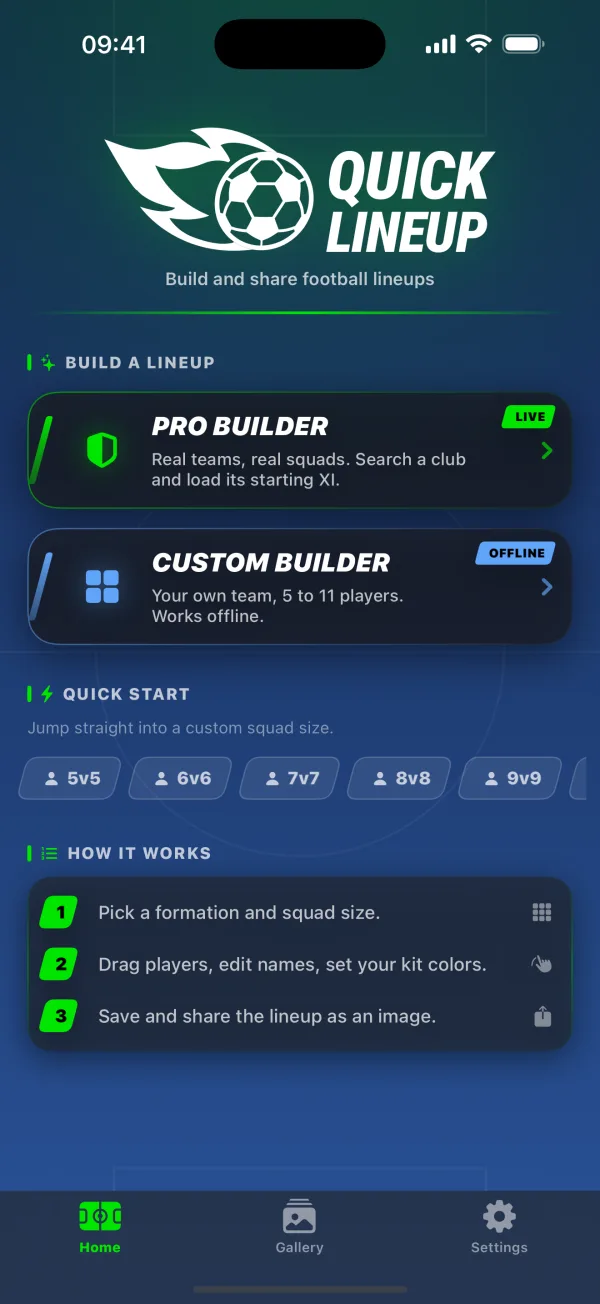
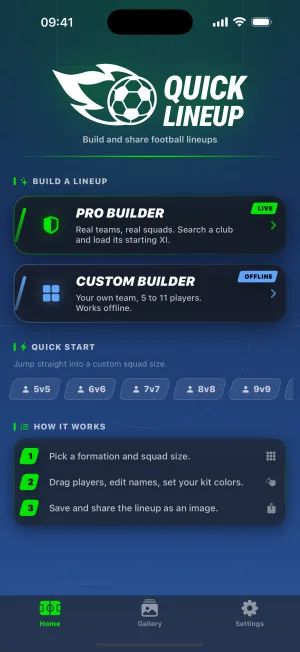
Five screens, in the order you meet them
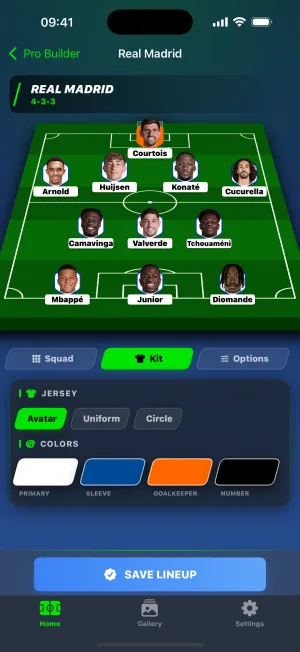
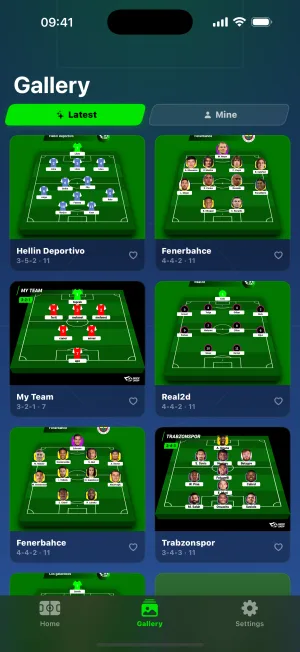
Pro Builder: search a club, get its squad
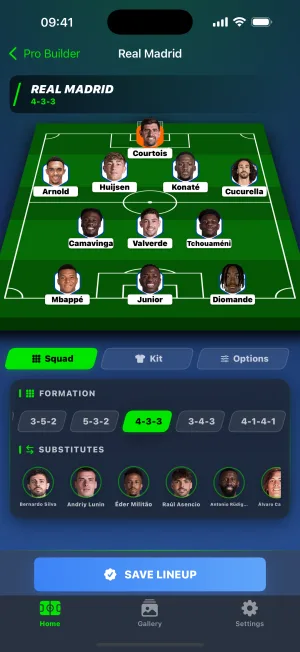
Type a club name and Quick Lineup pulls the current squad. The starting XI lands on the pitch in the formation you chose; everyone else sits in a substitutes list underneath. Tap a player to edit them, or to swap them for a substitute.
Transfers work too. If the player you want plays somewhere else entirely, search for them by name and drop them into the eleven. Two letters is enough to start the search.
Custom Builder: your own team, no connection needed
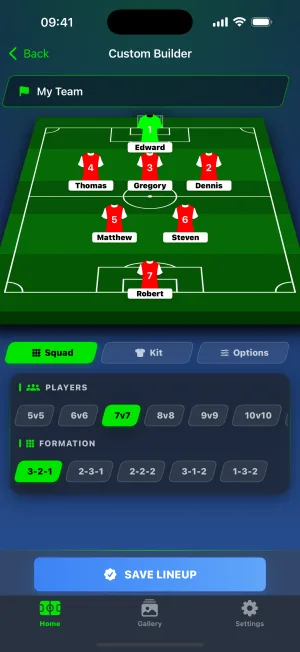
Custom Builder is the offline half. Formations, jerseys and the pitch all live on the phone, so nothing here waits on a network.
You set the team name, then the players: name, shirt number, rating, goals, and a yellow or red card if the story calls for it. Squad sizes run from 5 to 11. Kit colours are four separate pickers, with the goalkeeper on their own so they read as the goalkeeper.
Save to Photos, share through the share sheet
A finished lineup renders as a PNG. From there it goes into the standard iOS share sheet, so it lands wherever you normally send things. Saving to Photos asks for permission the first time and never again.
Every saved lineup also gets its own link on quicklineup.com, which is the thing to send when the other person does not have the app.
Matchday reminders
iPhone is the only version with notifications, and they are opt-in: nothing is scheduled until you say yes.
There are three groups you can toggle separately. Matchday reminders arrive before the weekend. Formation ideas suggest a shape you have not tried, sized to the squads you actually build. Squad activity covers the quieter nudges, like a reminder that yesterday's lineup is still sitting unshared in your gallery.
They are personalised to what you build. Keep making Galatasaray lineups and the Saturday reminder says Galatasaray. Quiet hours run from 22:00 to 09:00 by default, and anything due overnight waits until morning.
Requirements
| iOS version | 16.0 or later |
|---|---|
| Devices | iPhone and iPad |
| Size | 9.1 MB |
| Interface languages | English, Turkish |
| Age rating | 4+ |
| Price | Free, with a one-time in-app purchase to remove ads |
Frequently asked questions
What iOS version does Quick Lineup need?
iOS 16.0 or later, which covers the iPhone 8 and everything after it. The app is 9.1 MB, down sharply from the Unity build it replaced in version 2.0. It also installs on iPad, but the iPad layout is the phone one scaled up rather than a tablet design, so an iPhone is the better experience.
Can I save a lineup to my Photos?
Yes. A finished lineup renders as a PNG, and the result screen offers both a download button and the standard iOS share sheet. The download asks for Photos permission the first time only. Sharing through the share sheet does not need that permission at all, since iOS handles the hand-off to Messages, WhatsApp or wherever you send it.
What languages does the iPhone app support?
English and Turkish. You pick one on first launch and can change it later in Settings. The web version at quicklineup.com runs in 19 languages, so that is the place to go if you want the builder in Spanish, German, Japanese or one of the other 16.
How do I remove the ads?
One in-app purchase, bought from the home screen or from Settings. It is a one-time product rather than a subscription, and it removes all three ad placements: the one on launch, the one after saving, and the video before opening someone else's shared lineup. The purchase stays with your Apple Account, so it restores on a new iPhone.
What are matchday reminders?
Optional notifications that nudge you to get a lineup ready before the weekend. There are three groups, each with its own switch: matchday reminders, formation ideas, and squad activity. They are built from what you actually make, so the reminder names the club you build most. Quiet hours default to 22:00–09:00, and nothing arrives overnight.
Prefer to stay in the browser? The lineup builder runs on the web in 19 languages. Open the lineup builder