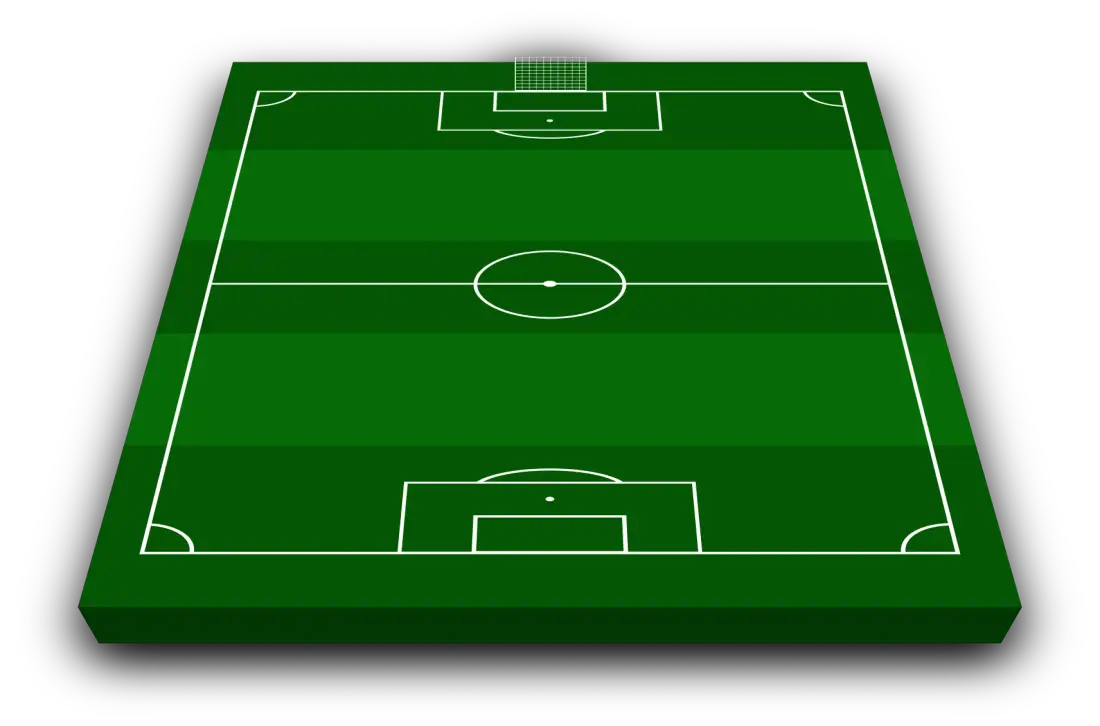
Chelsea Lineup Builder 2026 - 2027
Chelsea starting XI from the last match
Chelsea lined up in a 3-4-2-1 for the 0–2 defeat to Tottenham.
Premier League · Oct 24, 2026 · Manager: Xabi Alonso
- Goalkeeper: Mike Penders
- Defence: Josh AcheampongMaxence LacroixLevi Colwill
- Midfield: Pedro NetoMoisés CaicedoCJordan HendersonJorrel Hato
- Attacking midfield: Cole PalmerGeovany Quenda
- Attack: Morgan Rogers
Recent form
- Draw
- Loss
- Win
- Win
- Loss
- Hull2 - 2
- Brentford3 - 0
- Bournemouth5 - 1
- Everton0 - 2
- Tottenham0 - 2
Upcoming matches
- 28OctNext matchLiverpool08:00 PM
- 31OctMan United12:30 PM
- 8NovSunderland02:00 PM
- 21NovLeeds03:00 PM
- 27NovNottm Forest08:00 PM
Arrivals12
- Honest Ahanor
- Emiliano Martínez
- Dastan Satpaev
- Pep Chavarría
- Jordan Henderson
+7 more
- Valentín Barco
- Danny Welbeck
- Maxence Lacroix
- Morgan Rogers
- Geovany Quenda
- Marco Palestra
- Emanuel Emegha
Departures32
- Mykhaylo Mudryk
- Landon Emenalo
- Shumaira Mheuka
- Deivid Washington
- Dário Essugo
+27 more
- Dujuan Richards
- Enzo Fernández
- Tosin Adarabioyo
- Enzo Fernández
- Tosin Adarabioyo
- Robert Sánchez
- Marc Guiu
- David Datro Fofana
- Nicolas Jackson
- Caleb Wiley
- Mamadou Sarr
- Liam Delap
- Axel Disasi
- Omari Kellyman
- Benoît Badiashile
- Reggie Walsh
- Dastan Satpaev
- Filip Jörgensen
- Trevoh Chalobah
- Genesis Antwi
- Alejandro Garnacho
- Andrey Santos
- Jesse Derry
- Harrison Murray-Campbell
- Jimi Tauriainen
- Jimmy-Jay Morgan
- Marc Cucurella
Build your Chelsea starting XI with the current squad in the tool above. Pick a formation, move each player into position and add any transfer target you want to test. When the team looks right, add a bench or adjust the kit colours, then download the lineup as an image. No account is required.
How to make your Chelsea lineup
- Choose a formation for your starting XI.
- Place Chelsea players in their preferred positions.
- Add custom players if you want to test a transfer.
- Set the shirt colours and select your substitutes.
- Download the completed lineup and share your team.
The choices that shape the team
The first decision is how many midfielders you need. A double pivot leaves room for a number ten and gives both full-backs cover. A three-player midfield offers an extra passing option, although one of the attackers has to drop out. Try the same group in both shapes to see which roles suit them.
Chelsea also have a long history with back-three systems. Moving to three centre-backs makes space for wing-backs and two players behind the striker. It can solve a crowded attacking midfield, but the wide players must cover much more ground.
Three formations to try
- 4-2-3-1 gives Chelsea a number ten, two wide attackers and a double pivot behind them.
- 4-3-3 adds another central midfielder and keeps a clear front three.
- 3-4-2-1 uses wing-backs and places two creators close to the striker.
If none of those shapes quite fits, use the football formations guide to compare the other options before rebuilding your XI.
Frequently asked questions
How do I build a Chelsea lineup?
Choose a formation, then place players from the current Chelsea squad on the pitch. You can change the shape, add transfer targets and download the finished starting XI as an image.
What formation should I use for Chelsea?
Start with 4-2-3-1 or 4-3-3 if you want a back four. A 3-4-2-1 is useful when you want wing-backs and two attacking midfielders behind the striker.
Is the Chelsea lineup builder free?
Yes. You can build a starting XI, change the kit colours, add substitutes and download the result without creating an account.
Can I add transfer targets to the Chelsea squad?
Yes. Add any player and place them directly into the formation. You can then compare the new lineup with the current squad.
Can I include a Chelsea bench?
Yes. Add substitutes beneath the starting XI and include the bench in your downloaded lineup image.
You can also create an Arsenal lineup, a Tottenham lineup or start with any club on the main football lineup builder.