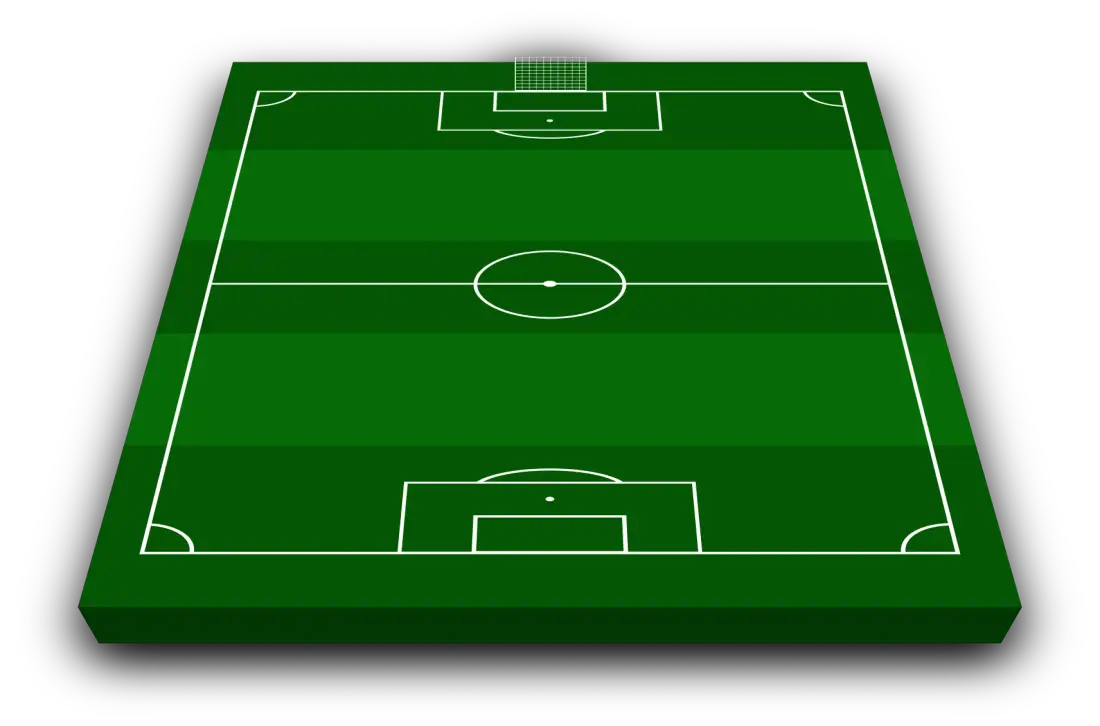
Tottenham Lineup Builder 2026 - 2027
Tottenham starting XI from the last match
Tottenham lined up in a 4-2-3-1 for the 2–0 win at Chelsea.
Premier League · Oct 24, 2026 · Manager: Roberto De Zerbi
- Goalkeeper: Antonín Kinský
- Defence: Archie GrayJan Paul van HeckeMicky van de VenCAndrew Robertson
- Midfield: Sandro TonaliMateus Fernandes
- Attacking midfield: Mohammed KudusJames MaddisonMathys Tel
- Attack: Omar Marmoush
Recent form
- Loss
- Loss
- Draw
- Win
- Win
- Liverpool3 - 1
- Aston Villa2 - 3
- Man United1 - 1
- Coventry3 - 1
- Chelsea0 - 2
Upcoming matches
- 31OctNext matchCrystal Palace05:30 PM
- 7NovLeeds12:30 PM
- 21NovIpswich03:00 PM
- 29NovSunderland02:05 PM
- 3DecFulham08:00 PM
Arrivals11
- Mykhaylo Mudryk
- Tosin Adarabioyo
- Tosin Adarabioyo
- Omar Marmoush
- Sávio
+6 more
- Sandro Tonali
- Martin Dúbravka
- Mateus Fernandes
- Jan Paul van Hecke
- Marcos Senesi
- Andrew Robertson
Departures23
- Kevin Danso
- Kota Takai
- George Abbott
- Damola Ajayi
- Dane Scarlett
+18 more
- Pape Sarr
- Mikey Moore
- Souza
- Jamie Donley
- Oliver Irow
- Guglielmo Vicario
- Djed Spence
- Ashley Phillips
- Cristian Romero
- Min-Hyeok Yang
- Manor Solomon
- Mason Melia
- Will Lankshear
- Luka Vušković
- Alfie Devine
- Radu Drăgușin
- Yves Bissouma
- Alejo Véliz
Use the builder above to pick your Tottenham starting XI from the current squad. Choose a formation, place the players and add any potential signing you want to see in the team. You can include substitutes, change the kit colours and download the finished Spurs lineup without creating an account.
How to make your Tottenham lineup
- Pick the formation you want Spurs to use.
- Move players from the current squad onto the pitch.
- Add a custom player to test a transfer idea.
- Choose the shirt colours and fill the bench.
- Download the lineup as an image and share it.
Build around width or control
Tottenham's lineup changes noticeably depending on where the width comes from. With wingers staying high, the full-backs can take more conservative positions and the front three has space to attack. If the wide forwards move inside, the full-backs have to advance and the midfield must cover the space they leave behind.
The midfield is another useful test. Three central midfielders can help Spurs move the ball through pressure, while a double pivot creates a place for a dedicated number ten. Switch between the two without changing the players and the difference is easy to see.
Three formations to try
- 4-3-3 keeps a front three on the pitch and gives the midfield one holding player with two teammates ahead.
- 4-2-3-1 uses two deeper midfielders and creates a central role behind the striker.
- 3-4-2-1 brings in a third centre-back and asks the wing-backs to provide the width.
For more options, compare the roles and trade-offs in the football formations guide.
Frequently asked questions
How do I build a Tottenham lineup?
Choose a formation, then place players from the current Tottenham squad on the pitch. You can change the system, add transfer targets and download the finished starting XI as an image.
What formation should I use for Tottenham?
A 4-3-3 gives Spurs a clear front three, while 4-2-3-1 adds a number ten behind the striker. You can also try 3-4-2-1 if you prefer wing-backs and three centre-backs.
Is the Tottenham lineup builder free?
Yes. You can build a starting XI, change the kit colours, add substitutes and download the result without creating an account.
Can I add transfer targets to the Spurs squad?
Yes. Add any player and place them directly into your formation to see how a potential signing changes the team.
Can I include Tottenham substitutes?
Yes. Add a bench beneath the starting XI and include it in the downloaded lineup image.
You can also create an Arsenal lineup, a Chelsea lineup or start with any club on the main football lineup builder.