Top 5 Lineup Builder Websites

Most of these tools do the same three things: put players on a pitch, change the shape, export an image. The differences that actually matter show up later, when you need a 7-a-side pitch, or a squad that loads itself, or a lineup you can drop into a blog post.
Below are five worth using: what each is genuinely good at, and where it stops.
1. Quick Lineup
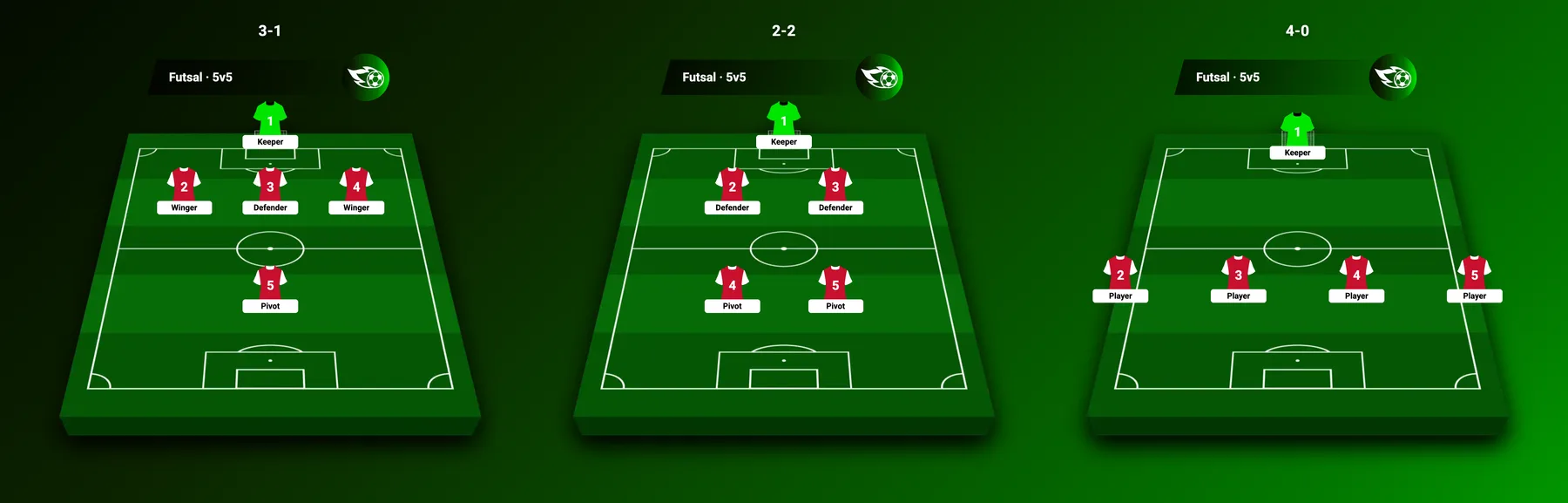
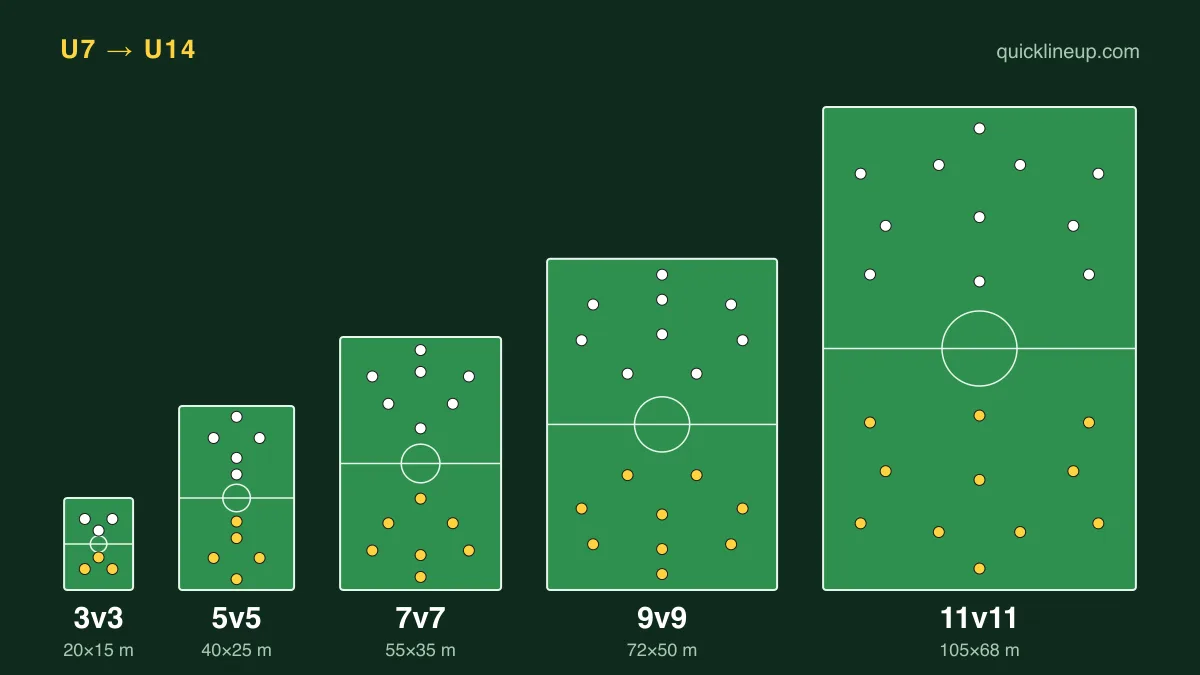
Quick Lineup covers squad sizes from 5 to 11 with 37 formations behind them, and runs in 19 languages. What sets it apart is the range of formats rather than the drawing tools: 5-a-side and 7-a-side get their own pitch proportions instead of a shrunken 11-a-side field.
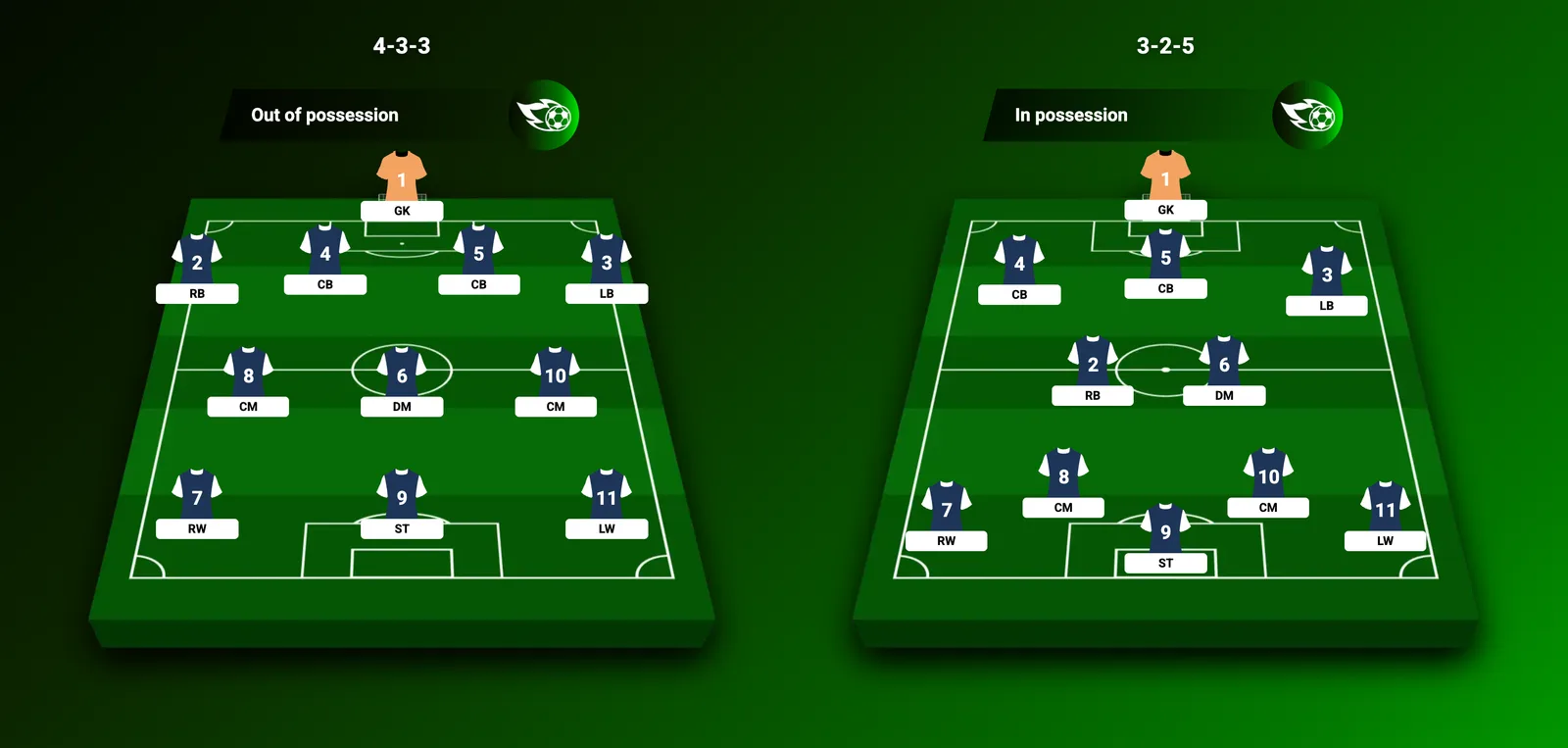
Pick a team and it loads the current squad, starting XI and substitutes automatically, drawing on thousands of players from the Premier League down to leagues in South America, Asia and beyond. The biggest clubs have their own pages: Arsenal, Liverpool, Man City, Man United, Barcelona, Real Madrid and England. From there you drag players into place, switch between 4-4-2, 4-3-3, 3-5-2 and the rest, and adjust kit colours, player names, shirt numbers and ratings.
Finished lineups export as a high-quality image for social media, and the Lineup Commentary feature lets you attach tactical notes or compare your XI against an opponent's. All of it works from a phone.
Where it stops: there is no jersey catalogue to browse. You set four kit colours yourself, with the goalkeeper on a separate picker.
2. Lineup11
Lineup11 is the one to open if you care what the shirts look like. Its catalogue runs past 2,000 professional jerseys, with stadium backdrops to match.
Beyond the kits it does the expected things well. Formations switch so you can see how the shape changes, player roles can be assigned to counter a specific opponent, and there is a basic strengths-and-weaknesses read on your squad. Player stats and live updates are pulled in alongside.
It is built around the eleven-a-side game, so smaller formats are not really its territory.
3. Homecrowd
Homecrowd treats a lineup as something to look at rather than something to analyse, and it is the better tool for it. You start from a catalogue of more than 3,500 real team templates or build your own, then change the jerseys, the pitch style and the colours to taste.
It also scores players, so you can rate performances and mark a man of the match. Squad sizes run from 5-a-side up to the full game, youth leagues included. Downloads go straight to a forum post or a social feed.
Design-led rather than tactical, which is the trade.
4. Buildlineup.com
Buildlineup.com is the fast, no-fuss option. Type in player names and drag them into position.
Its one distinguishing feature is worth knowing about: tactical arrows for showing player movement, which none of the others here offer. That makes it useful for explaining a pressing trigger or an overlap rather than just listing an XI.
There is no squad database, so every name is typed by hand.
5. FotMob Lineup Builder
FotMob's builder is aimed at fans of big clubs who want to start quickly. Click a position, then search for the player you want. Real Madrid, Liverpool and other major squads are pre-loaded, so you can tweak an existing XI rather than build from nothing.
It pulls player faces from FotMob's own database, which looks good, and it works inside the FotMob app. The limit is the same as the strength: you are working with the teams FotMob covers.
The five side by side
| Tool | Squad sizes | Standout feature | Where it stops |
|---|---|---|---|
| Quick Lineup | 5 to 11 | 37 formations, 19 languages, embeddable | No jersey catalogue |
| Lineup11 | 11 | 2,000+ jerseys and stadium backdrops | Built around the full-size game |
| Homecrowd | 5, 7 and 11 | 3,500+ real team templates | Design-led rather than tactical |
| Buildlineup.com | 11 | Tactical arrows for player movement | No squad database to load |
| FotMob Lineup Builder | 11 | Player faces from FotMob's database | Tied to teams FotMob covers |
Read the table by the last column rather than the third. Every one of these draws a lineup; what decides which you open is the thing it will not do.
Which one to open
If you play 11-a-side and want it to look good, Lineup11 or Homecrowd. If you write about football and need the lineup inside a page, the embed matters more than the artwork. If you play 6, 7 or 8-a-side, the pitch proportions matter most, and that narrows the list quickly.
Ready to start? Head to Quick Lineup and pick your shape. If you're not sure which system suits your players, our complete guide to football formations compares every setup side by side, and you can embed your finished lineup on your own website once you're happy with it.